Offers
Offer Search Filters

The interface provides the following filters:
- ID - Always finds the exact offer by the specified identifier.
- Name - Searches by name. Offer names include:
- Two-letter country code.
- Mobile operator.
- Subscription method.
- Commonly recognized service name (if applicable).
- Availability - Searches offers by availability with three options:
- All Offers - All offers in the catalog (default).
- Available Offers - Offers that are open to you.
- Active Offers - Offers that have recently received traffic.
- Country - Searches for offers by selected countries:
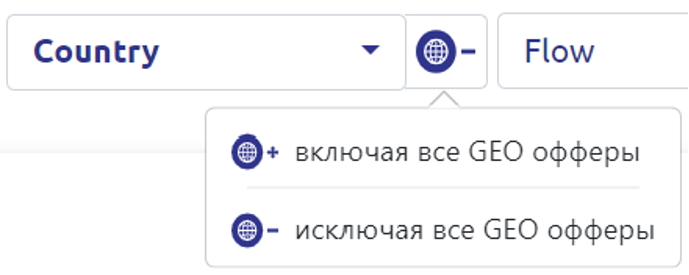
- Excluding all GEO offers - Searches for offers matching the exact country (default).
- Including all GEO offers - Searches for offers that accept more than one country.
- Flow - Searches for offers by the specific mechanism of completing the target action.
- Offer Vertical - Searches by theme commonly recognized in the market.
- Tag - Searches by tags that do not relate to the vertical.
Offer Card Information
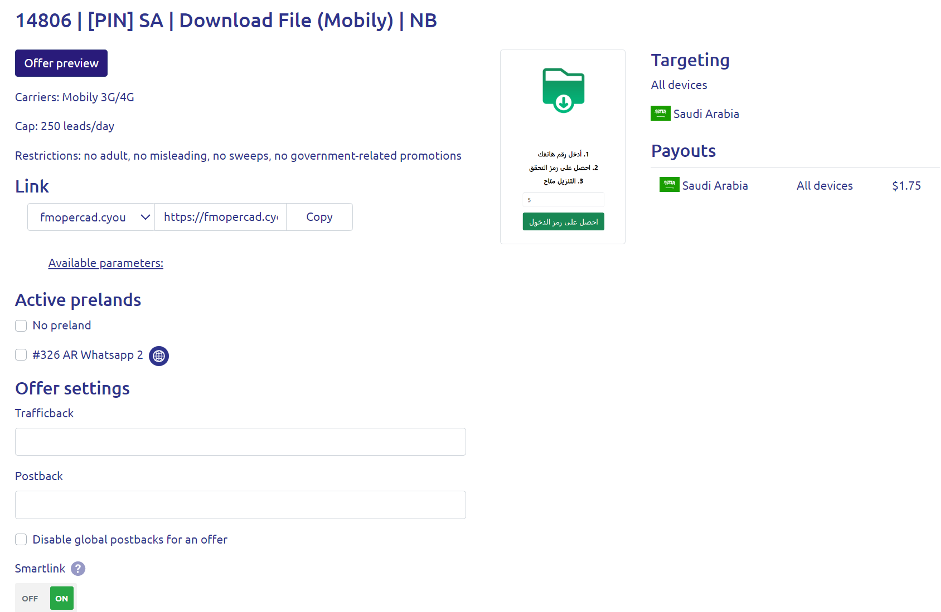
To open the offer card, click on the offer name or the "Get Link" button.
Available Information:
- Button to preview the landing page, where traffic will be directed (important for offers available only via mobile internet).
- General requirements for promoting the offer.
- Targeting description allowed for the offer's link.
- Payout description for the offer.
- Traffic submission link (details in the Affiliate Dragons FAQ for partners).
- Available pre-landers (details in the Affiliate Dragons FAQ for partners).
- Trafficback field - Specify the link where unaccepted traffic is redirected (details in the Affiliate Dragons FAQ for partners).
- Postback field - Specify the link for conversion notifications (details in the Affiliate Dragons FAQ for partners).
- Smartlink status management within the offer.
Pre-lander Setup
To increase the likelihood of conversions, we develop warming-up pages — pre-landers.
Usage Options:
- Mark available pre-landers with a checkmark. Marked pre-landers will be randomly used for traffic. You can also mark "Without Pre-lander" to include this option in the rotation.

- Add the GET parameter
p={preland_id}to the link, replacing{preland_id}with the ID of the selected pre-lander. Ifp=0or an unavailable ID is passed, the pre-lander will not be shown.
Smartlink
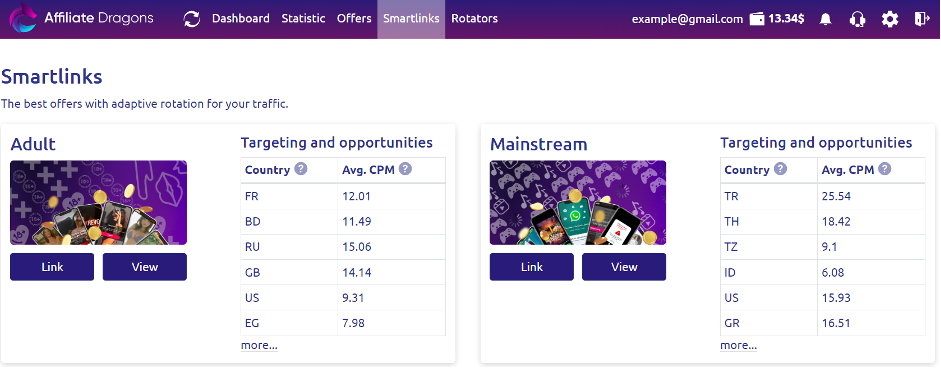 Smartlink allows you to earn additional revenue from traffic that is not suitable for the offer. When this option is enabled, the system automatically selects the best offer for each unaccepted click.
Integrated Offers
Exclusive offers (marked with 🔥) allow you to avoid additional redirects.
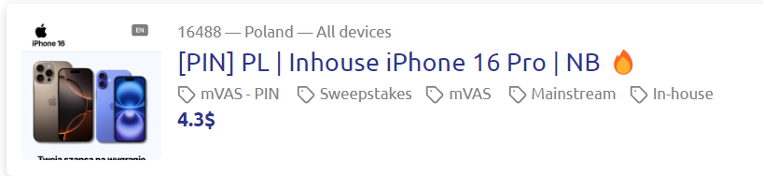
How it works:
- Instead of a redirect, a direct link to the offer is provided.
P.S. This feature is available to partners to improve performance metrics.