Platform Notifications
Telegram Bot "Notification"
We recommend using our Telegram bot AffdragonsBot. This bot will help you receive important information, such as:
- Offer suspension
- Payout changes on an offer
How to subscribe:
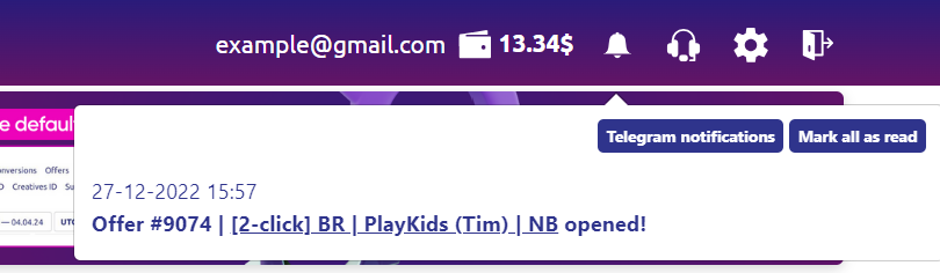
- Click on the "Bell" icon in the upper-right corner.
- Select the "Telegram Notifications" button.
- A chat with AffdragonsBot will open. Click "Start".
Notification Management
You can manage which notifications you receive.
To configure notifications:
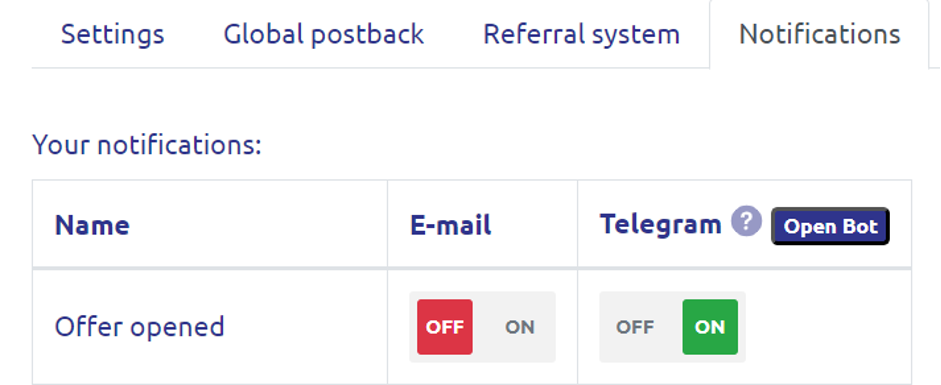
- Click on the "Settings" icon in the upper-right corner.
- Open the "Notifications" tab.
- Each notification can be enabled/disabled individually for email and Telegram.
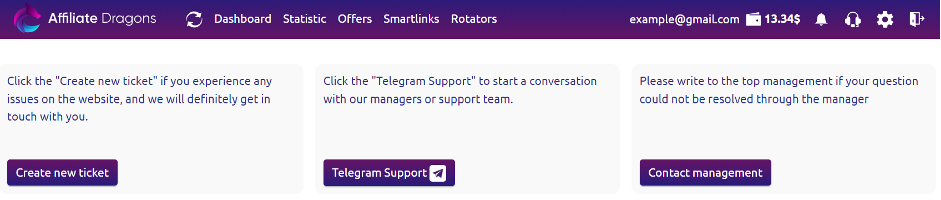
Tickets
For those who value anonymity, we have retained the option to submit questions to a manager through our ticket system.
How to create a ticket:
- Click on the "Support" icon in the upper-right corner.
- Select the "Create New Question" button.